I. How to recharge in Top-Up Center?
1. Copy the MINIGAME official website address https://game.minigameltd.com/ and open it in your default browser.
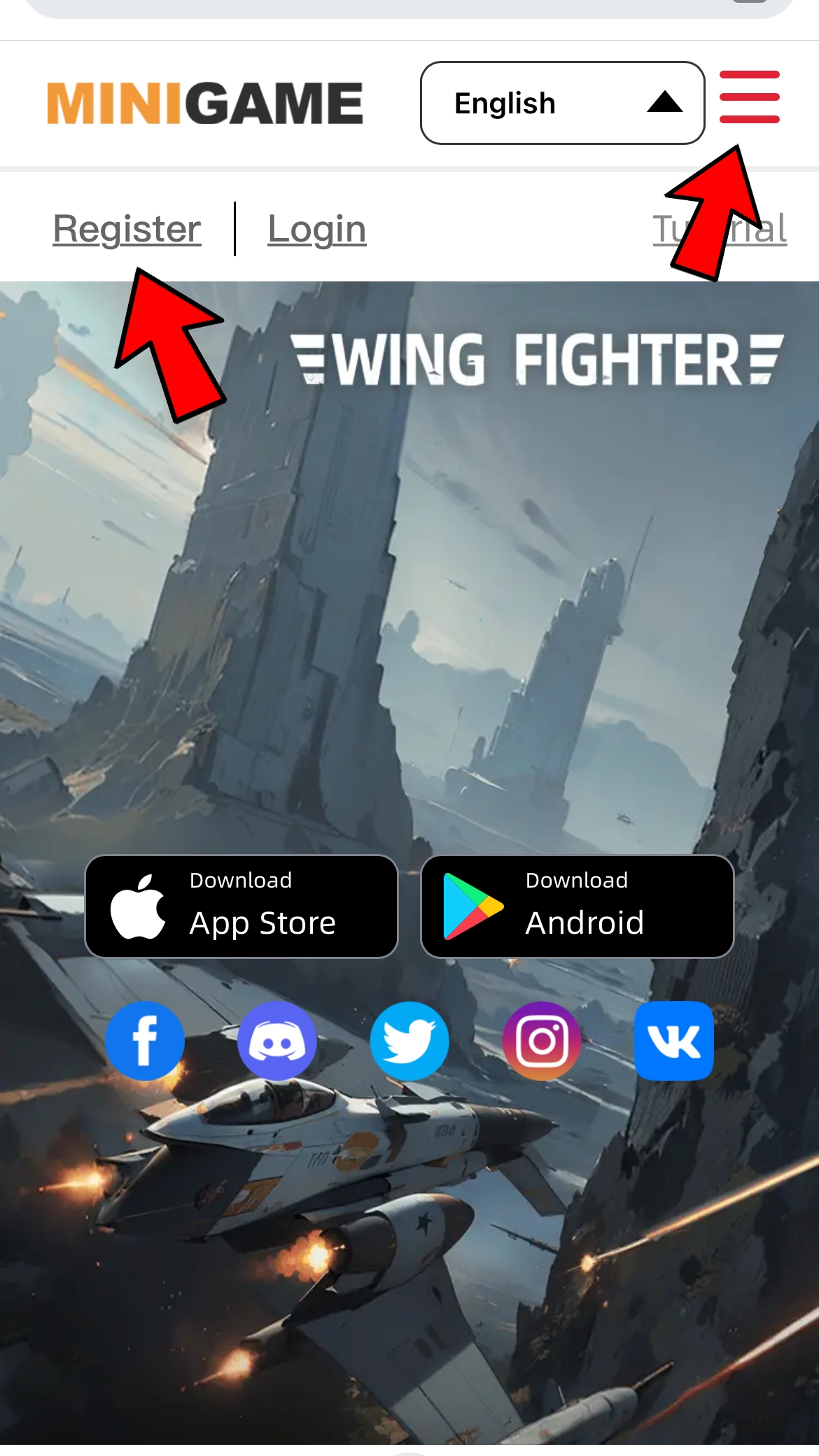
2. Log in to the official website account, click the [≡] at the upper right corner, select “Top-Up Center”. The first time you log in to the official website, you need to register your official account. Official account ≠ game account. (Please remember your official website username.)
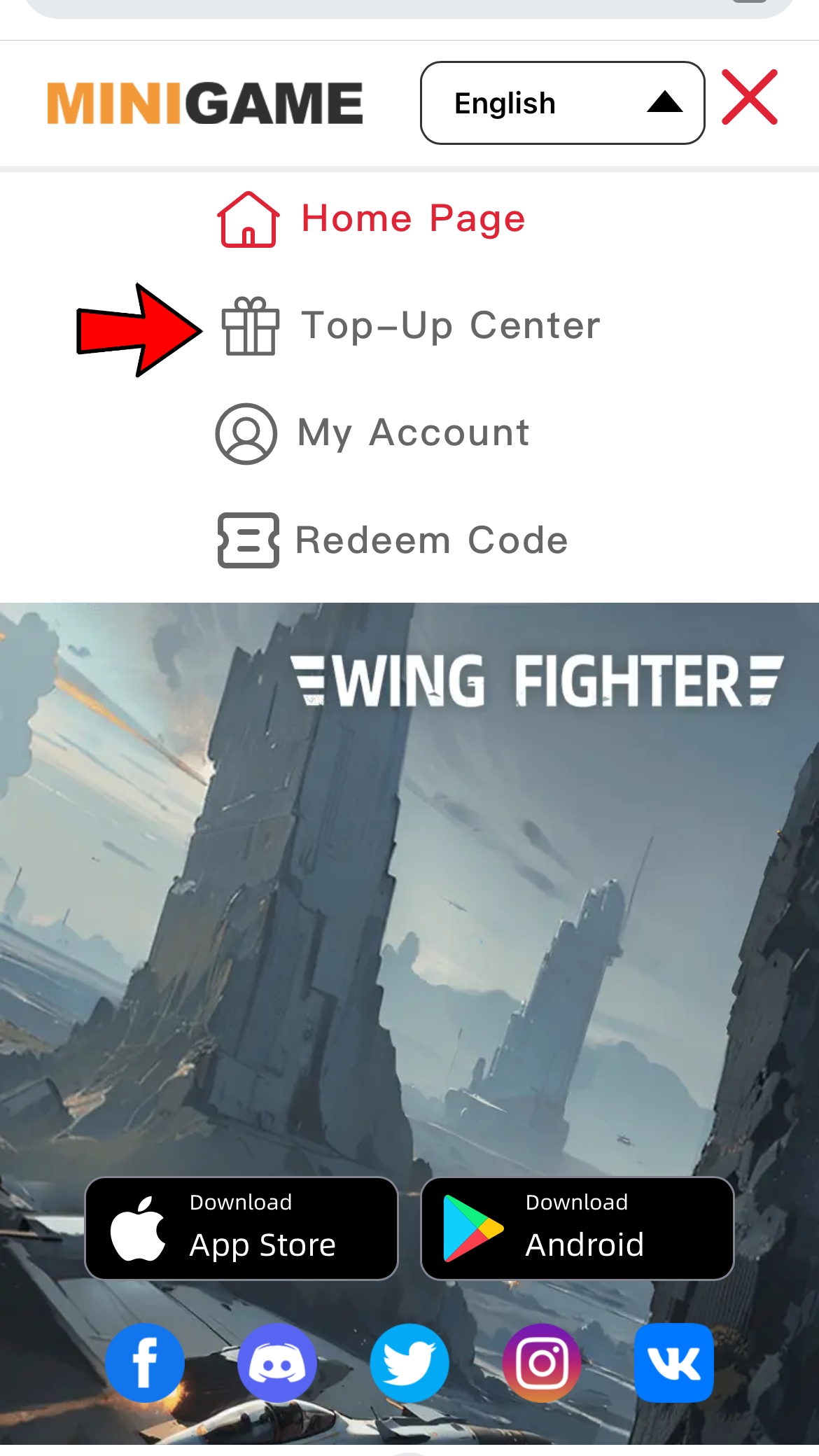
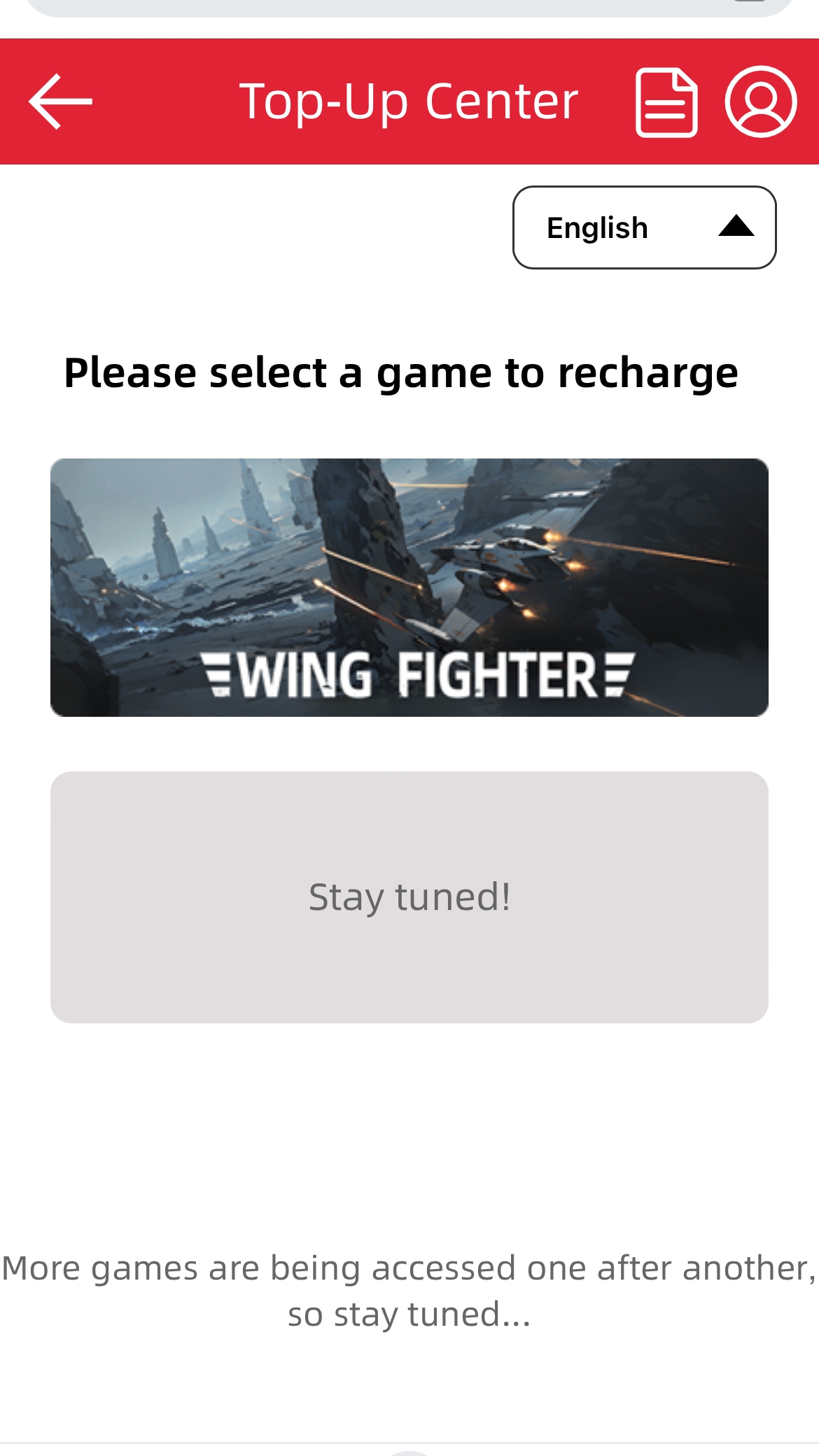
3. Select『Wing Fighter』
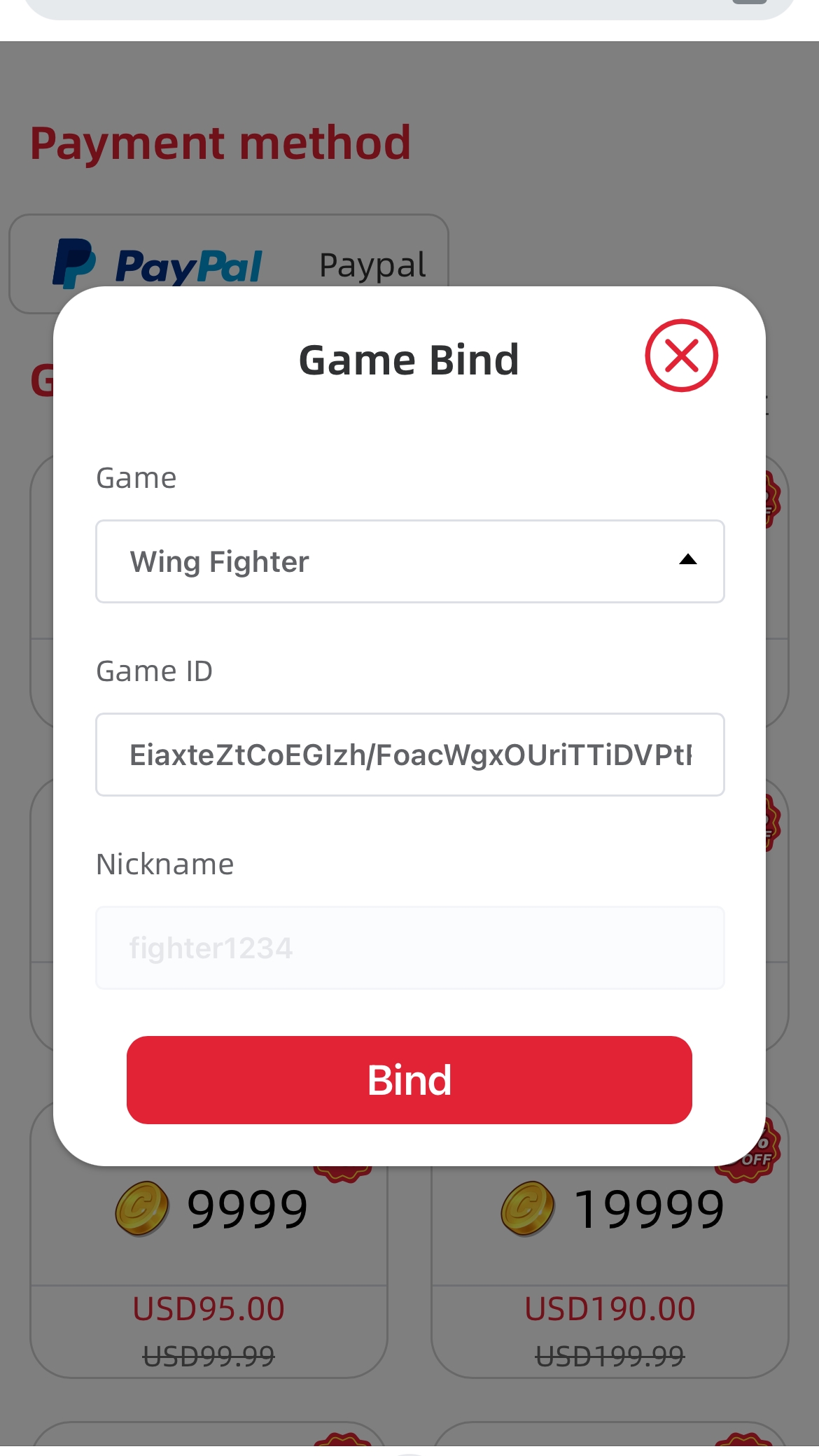
4. Copy the in-game ID to bind. (Clicking the blank space after pasting the game ID will automatically recognize the game nickname.)
5. Confirm the corresponding role and click on the preferred Top-UP to recharge. (You can only choose one Top-Up to recharge at a time.)
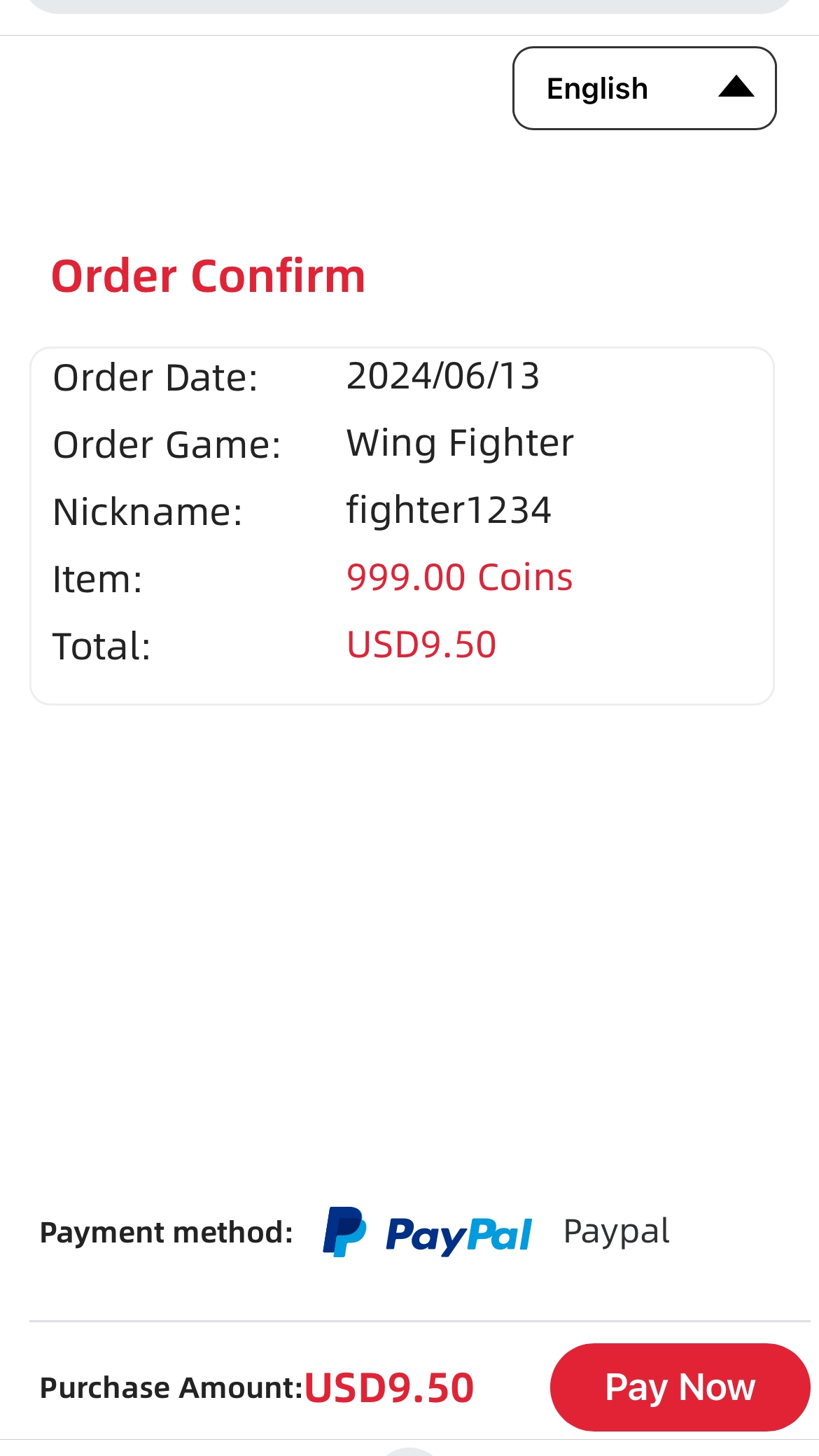
6. After successful recharge, you will receive the contents of the gift pack via in-game mail (take USD19.00 slot as an example).
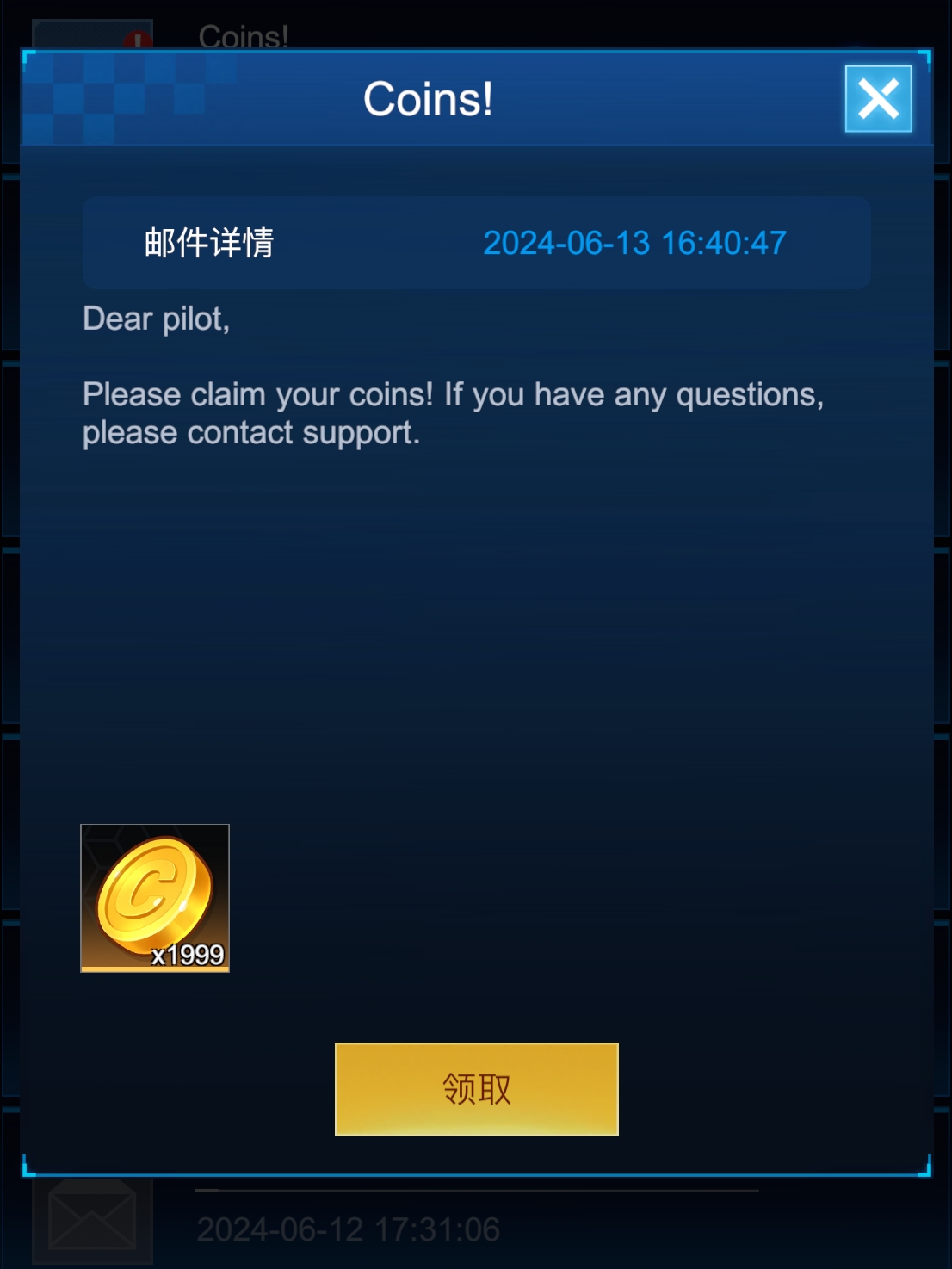
7. After obtaining Coins, it's available for you to use Coins to offset the payment at any payment place in the game (You cannot use Coins when you hold insufficient Coins to buy the Top-Up, you can check the number of Coins you hold in your backpack in game.)
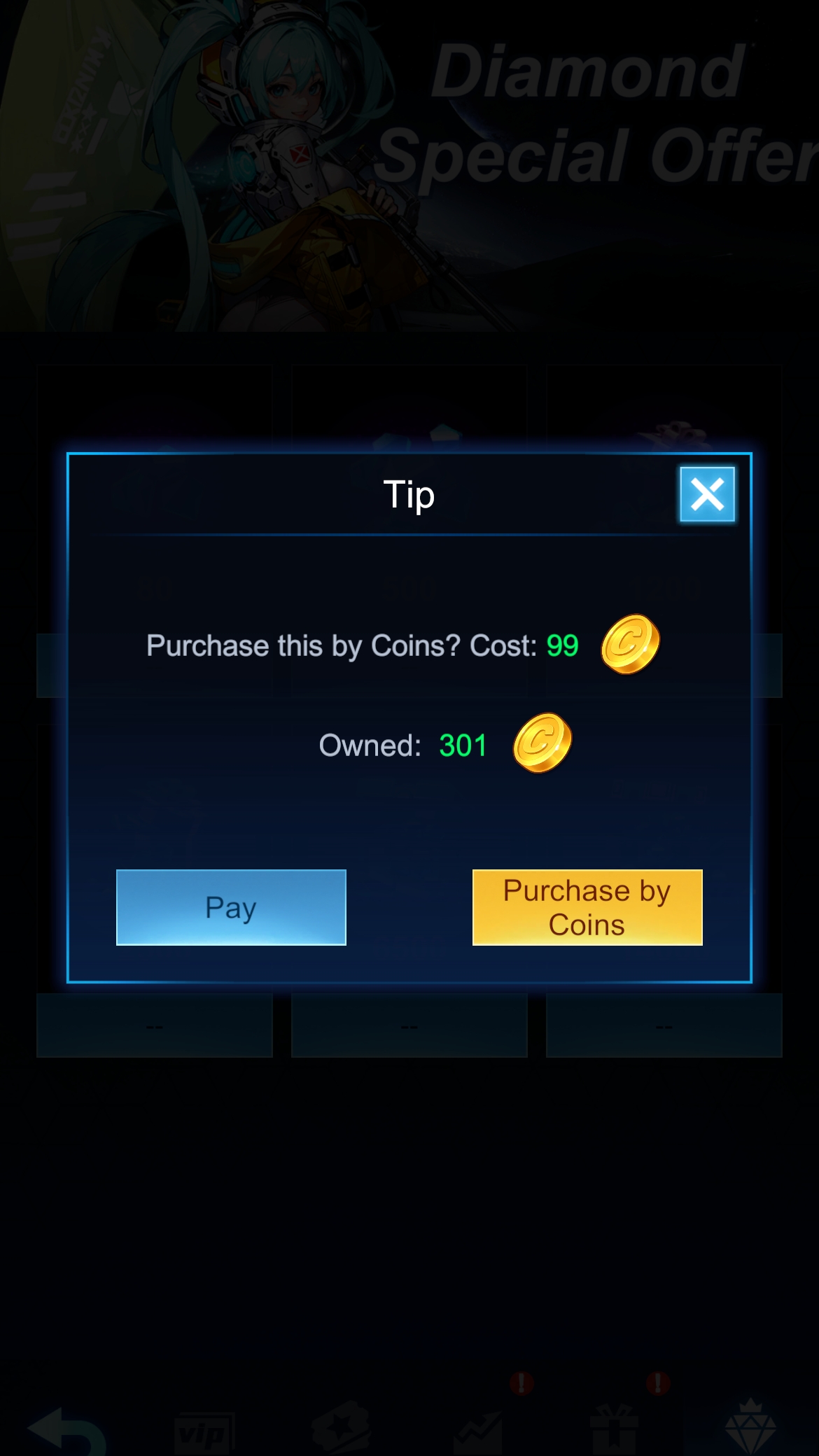
8.Coins can be used to purchase paid content in the game, and the amount of coins required is as follows.
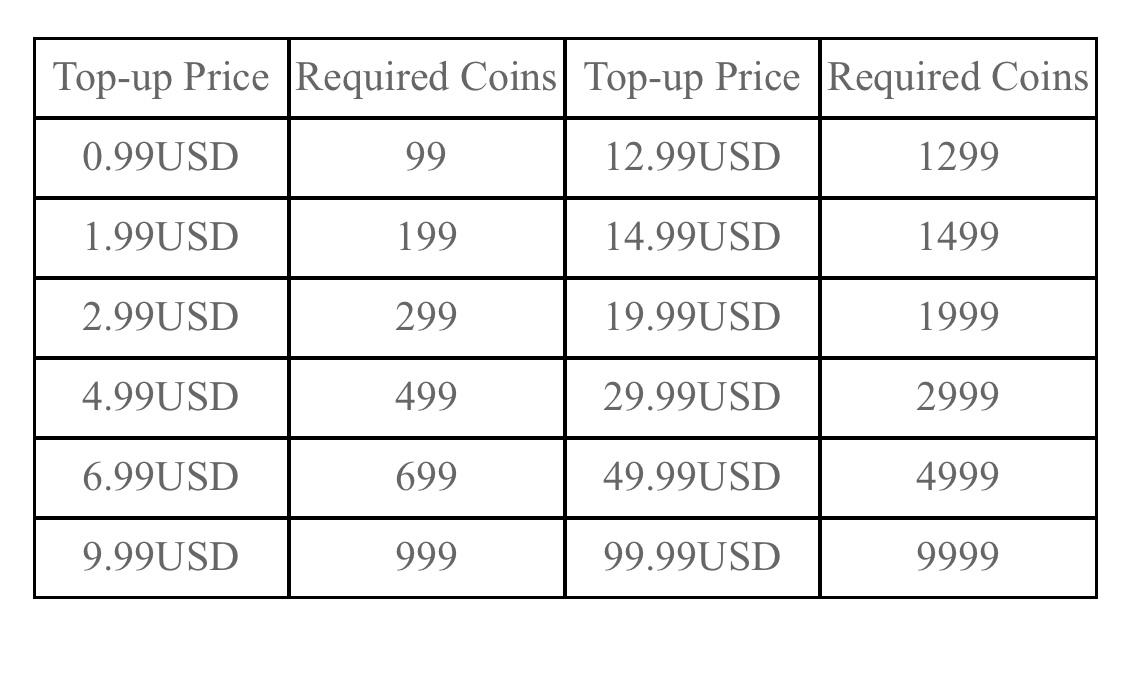
9.The value of coins: 1 coin = USD 0.01
1. If you encounter recharge problems in the official website, please contact in-game customer service for help.
(Click on the menu bar in the upper left corner in game's homepage, select 'Settings' and go to 'Support'.)